 SchematIaC Docs
 Your Terraform and Bicep, as a drawing
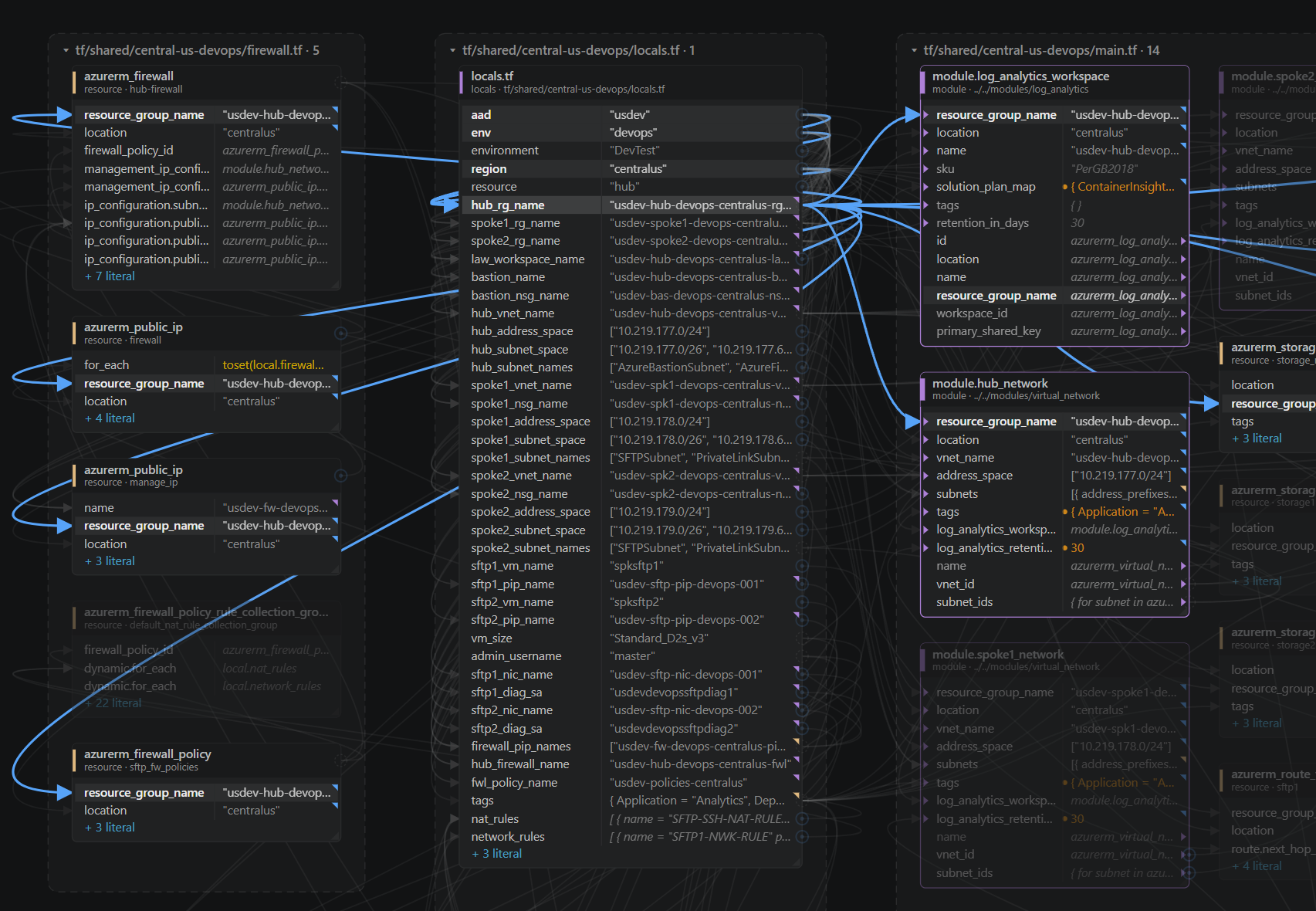
SchematIaC is a VS Code extension that opens your Terraform (.tf, .tfvars) or Azure Bicep (.bicep, .bicepparam) files on one canvas, shows what every value actually resolves to, and writes your changes back into the files as clean one-line diffs — comments, alignment and ordering untouched. Everything runs inside VS Code; your code never leaves your machine.
Install from the Marketplace Getting started
Where to start
| If you want to… | Read |
|---|---|
| Go from install to your first write-back | Getting started |
Work with .tf / .tfvars files | Terraform |
Work with .bicep / .bicepparam files | Bicep |
| Give your AI agent the same engine | MCP server |
| Understand nodes, rows, wires and value marks | The canvas |
| Re-point a reference or edit a value safely | Editing |
| See the re-wirings the graph already argues for | Analyze |
| Preview a module or provider version bump | Upgrade Preview |
| Colour the canvas by what git changed | Show Diffs |
| Model dev / test / prod from one definition | Simulated workspaces |
| See what a whole folder tree is made of | Folder Overview |
| The free licence, licence keys, and what goes over the network | Licensing & privacy |
| File a bug or a feature request | Issues |
| Know what it deliberately does not do yet | Limits |
| Read the origin story and later notes | Blog |
SchematIaC works with Terraform (and OpenTofu — same HCL) and Azure Bicep. It needs VS Code 1.74 or newer, and no terraform or bicep binary.